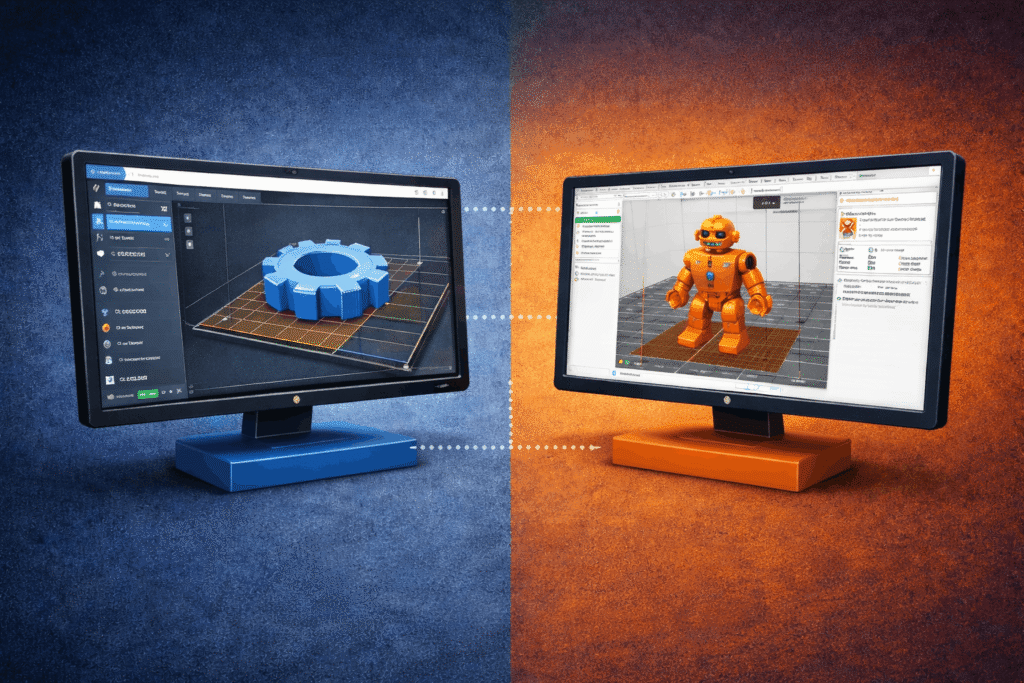

Choosing between Creality print software and PrusaSlicer often becomes a defining decision early in a 3D printing workflow. Both tools convert digital models into printer instructions, yet they approach slicing, tuning, and usability very differently. Understanding those differences helps align software choice with printing goals rather than brand loyalty.
This comparison breaks down how each slicer performs across setup, features, compatibility, and long-term use. The focus stays on real workflow impact rather than marketing claims.
Overview of Creality Printer Software
Built around Creality hardware
Creality Print sits within the broader Creality printer software ecosystem. It is designed to work seamlessly with Creality machines, offering preconfigured profiles and simplified controls. The goal centers on quick setup and predictable results without deep configuration.
The software prioritizes accessibility. Many settings remain abstracted, reducing setup friction but limiting the flexibility of advanced tuning.
Overview of PrusaSlicer
A slicer focused on precision and control
PrusaSlicer began as a Prusa-focused tool but evolved into a highly flexible, open-source slicer compatible with many printers. It exposes more parameters and supports complex print strategies.
This approach favors users who want granular control over print behavior, materials, and geometry.
Installation, Setup, and First-Time User Experience
Speed versus flexibility
Creality Print installs quickly and launches with minimal prompts. Printer selection and profile loading happen almost instantly. This suits new setups where speed matters.
PrusaSlicer requires more initial configuration. Profiles must be selected carefully, and some understanding of printer hardware helps during setup.
User Interface and Ease of Use
Clean simplicity versus dense control
Creality Print uses a simplified interface with fewer visible options. Navigation feels straightforward, and common settings remain easy to access.
PrusaSlicer presents a more information-dense layout. Tabs, toggles, and advanced panels appear early. This structure supports precision but increases the learning curve.
Printer Profiles and Hardware Compatibility
Brand alignment versus openness
Creality Print focuses on Creality machines. Profiles come optimized for popular models, reducing setup errors.
PrusaSlicer supports a wider range of printers through community and official profiles. This makes it suitable for mixed hardware environments.
Slicing Engine and Print Quality
Consistency versus optimization depth
Creality Print delivers reliable slicing for standard use cases. Results remain consistent across common materials and print types.
PrusaSlicer offers advanced path planning and variable layer strategies. These features improve surface finish and strength when tuned correctly.
Support Generation and Overhang Handling
Automation versus customization
Creality Print generates supports automatically with limited manual control. This speeds up preparation but can increase post-processing.
PrusaSlicer allows detailed support tuning, including custom placements and modifiers. This reduces material waste and improves surface quality.
Speed, Performance, and Resource Usage
Lightweight versus computation-heavy
Creality Print runs efficiently on modest systems. Slicing remains fast even on lower-end hardware.
PrusaSlicer consumes more system resources, especially with complex models. The trade-off comes in greater optimization potential.
Material Profiles and Print Tuning
Preset reliability versus experimental range
Creality Print includes stable material profiles for common filaments. Adjustments remain minimal but predictable.
PrusaSlicer supports extensive material tuning, including temperature gradients, cooling strategies, and multi-material workflows.
Advanced Features and Power-User Tools
Focused basics versus advanced logic
Creality Print limits advanced features to maintain simplicity.
PrusaSlicer includes modifiers, conditional settings, adaptive layers, and scripting support, making it attractive for advanced workflows.
File Format Support and Workflow Integration
Basic pipelines versus flexible ecosystems
Creality Print focuses on standard STL and G-code workflows.
PrusaSlicer supports additional formats and integrates smoothly with external tools and automation pipelines.
Community Support and Ecosystem
Brand-led versus community-driven
Creality Print updates align closely with hardware releases and official documentation.
PrusaSlicer benefits from a large global community that contributes profiles, plugins, and improvements.
Stability, Updates, and Long-Term Reliability
Predictable cadence versus rapid iteration
Creality Print emphasizes stability and compatibility with current printers.
PrusaSlicer updates more frequently, introducing new features and occasionally changing workflows.
Beginner vs Advanced User Suitability
Lower barrier versus higher ceiling
Creality Print is suited to beginners seeking quick success.
PrusaSlicer suits users focused on fine-tuning and advanced results.
Use-Case Comparison: Which Software Fits Which Scenario?
Matching slicer to intent
Education labs and entry-level setups often favor Creality Print. Engineering, prototyping, and multi-material projects often benefit from PrusaSlicer.
Limitations of Each Slicer
Trade-offs exist on both sides
Creality Print limits advanced control. PrusaSlicer demands time and understanding.
Final Verdict: Creality Printer Software or PrusaSlicer?
Different tools for different priorities
Creality Print wins on simplicity and speed. PrusaSlicer wins on control and flexibility. Neither replaces the other universally.
Choosing the Right Slicer Based on Your Printing Goals
Slicer choice shapes print outcomes as much as hardware selection. Simpler workflows benefit from Creality’s approach, while advanced projects gain value from deeper control. For environments managing multiple printers, users, and workflows, slicing becomes one part of a larger system.
Platforms like 3DPrinterOS connect slicing, printer control, and fleet management into a unified workflow. This reduces friction regardless of slicer choice. Selecting the right Creality 3D printer software ultimately depends on how printing fits into broader production goals.
Streamline slicing and printer management with 3DPrinterOS.